Your Entire Practice,
In Your Pocket.
DocLogbook is the premier medical logbook, surgical case tracker, and CV manager for doctors. Securely log surgeries, track multi-hospital finances, and build your verifiable medical legacy.






Comprehensive Practice Suite
Engineered for Clinical Precision & Practice Management
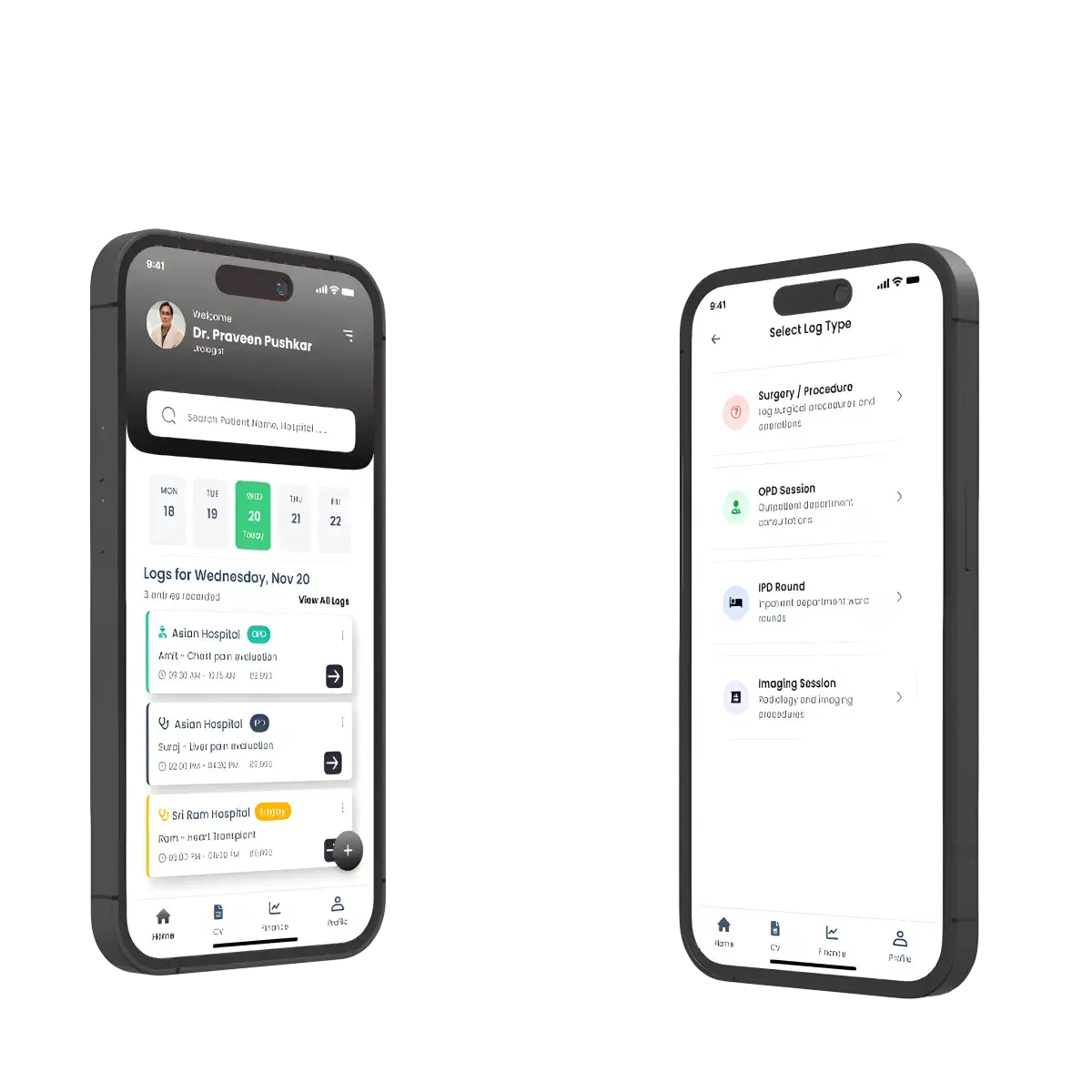
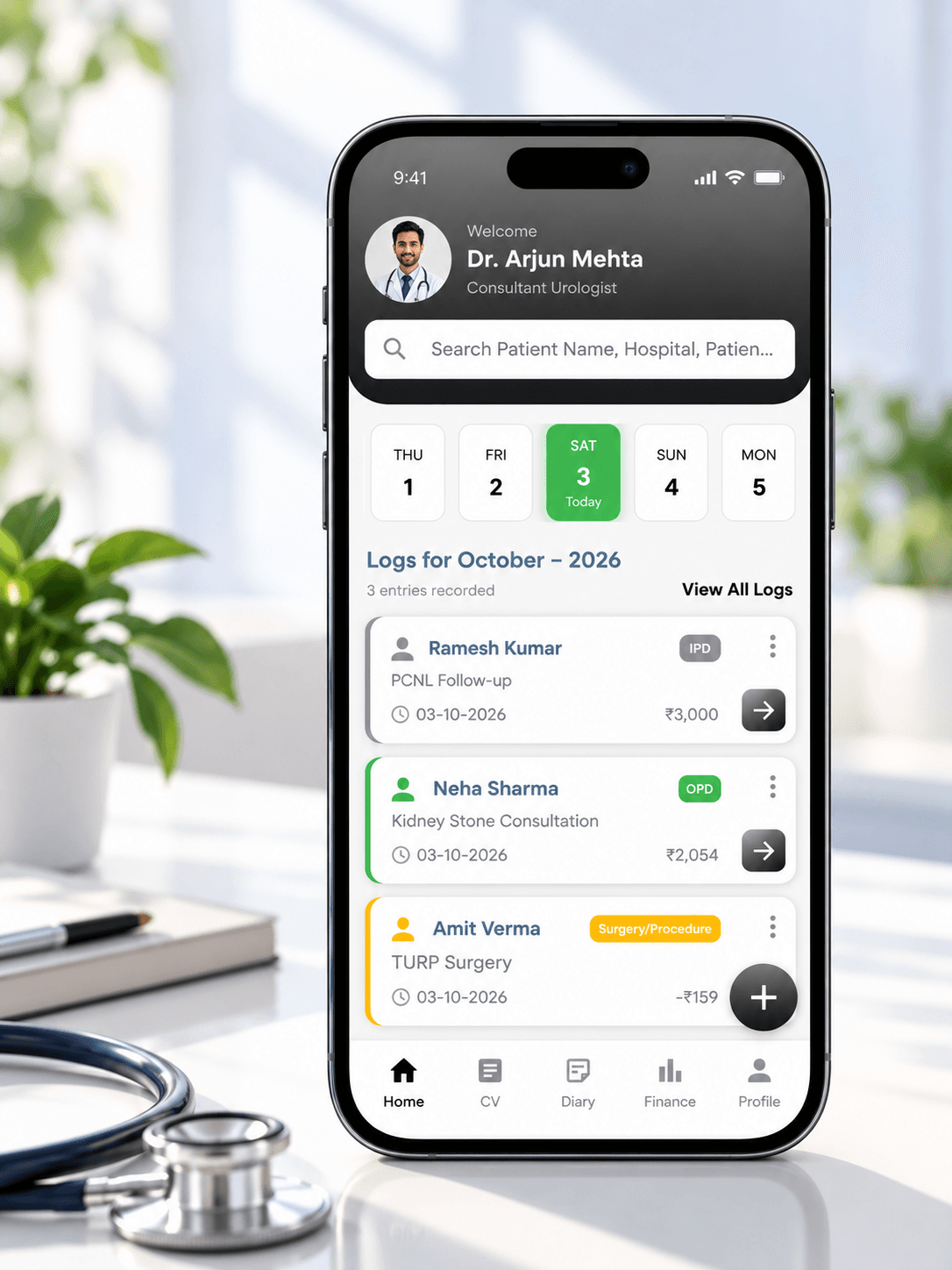
Smart Clinical Logbook
Log surgeries, OPD, IPD, and diagnostic procedures in seconds. Track patient histories across multiple hospitals with specialty templates.
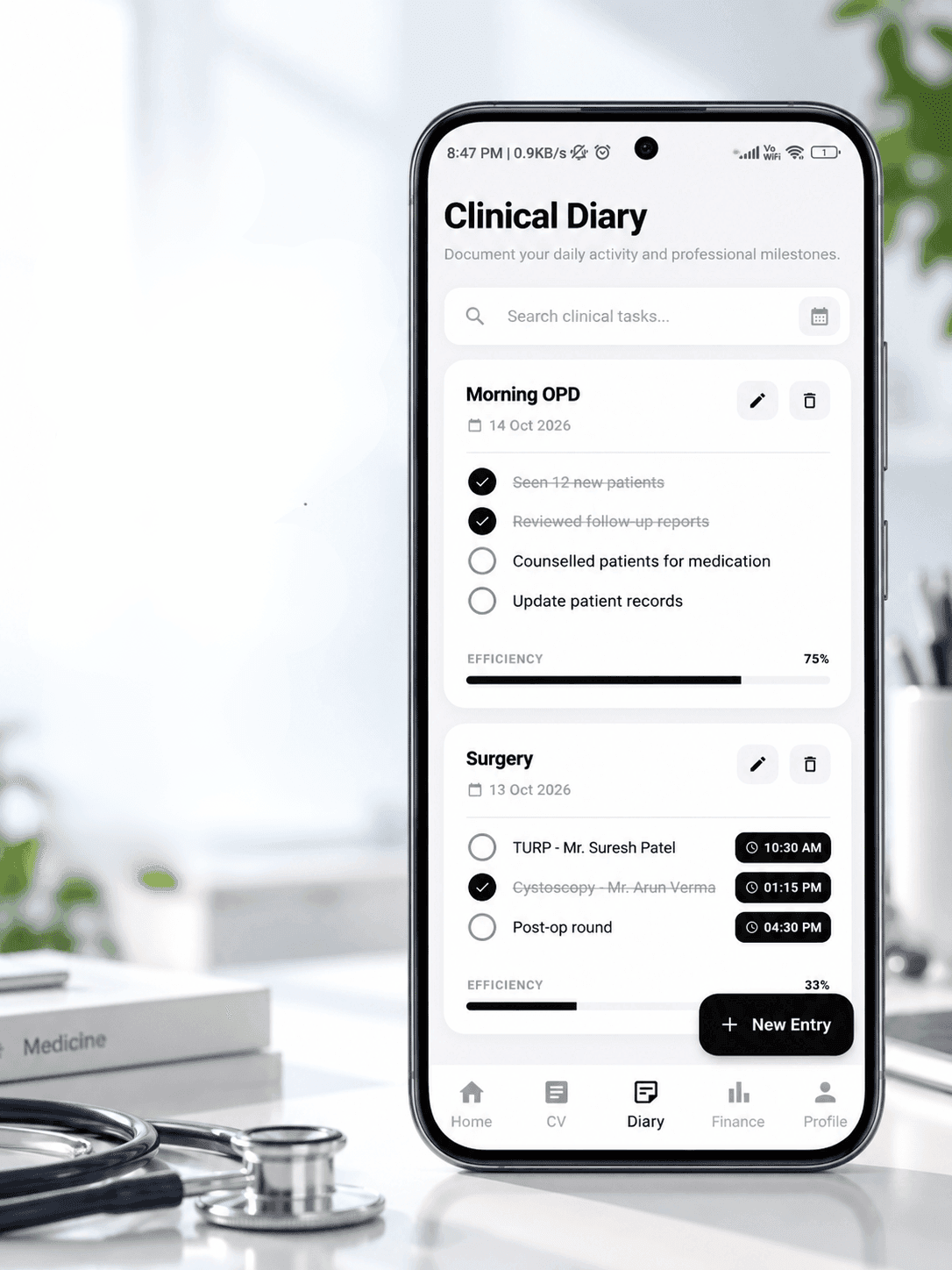
Clinical Diary & Daily Focus
Organize daily ward round checklists, OT lists, clinical reflections, and milestone reminders in a synchronized timeline.
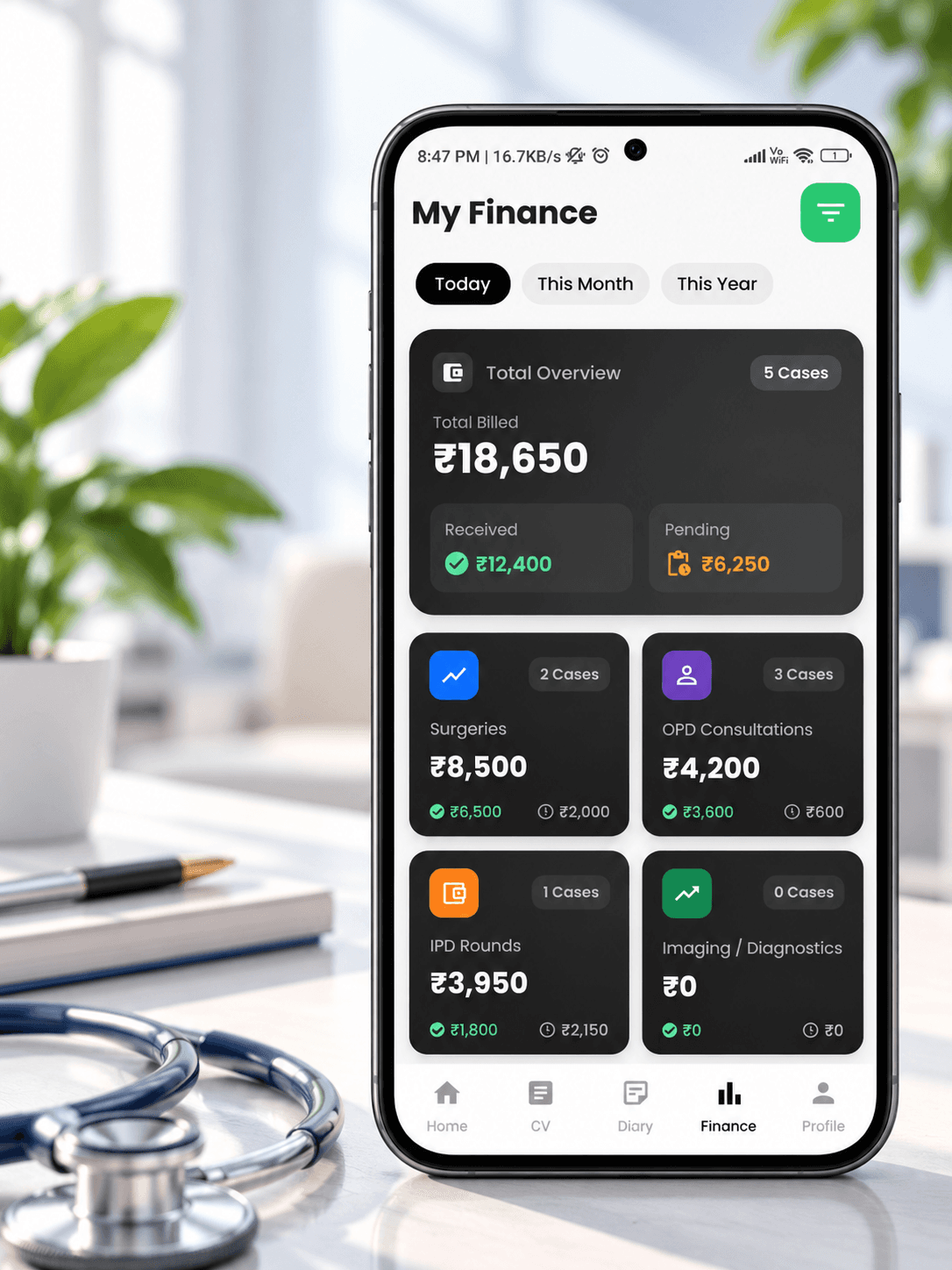
Practice & Finance Intelligence
Monitor billed, received, and pending consultation fees across different hospitals. View real-time revenue breakdowns and patient trends.
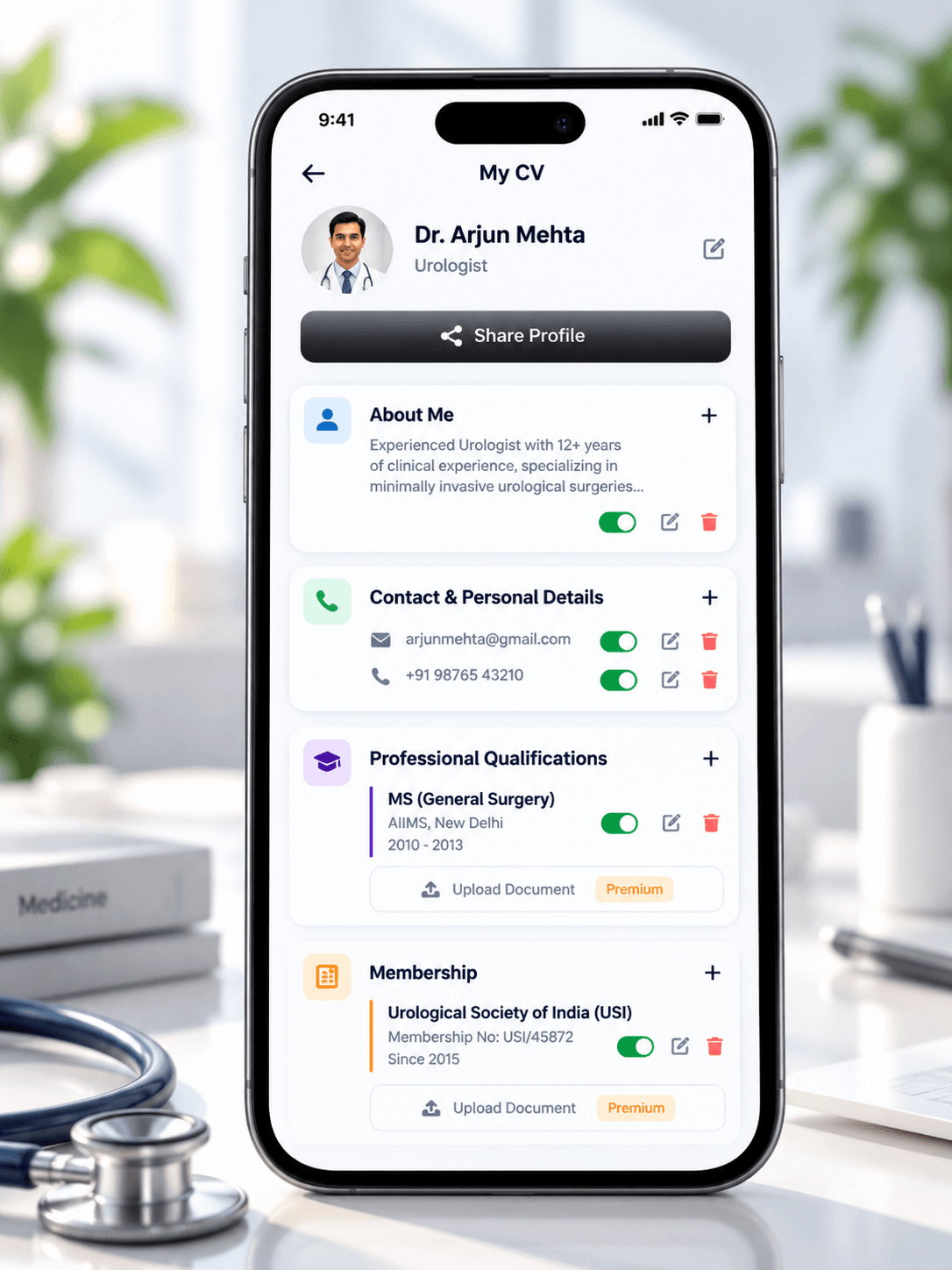
Dynamic CV Builder
Easily maintain your professional medical portfolio. Automatically compile surgical numbers, registrations, and research into one-click exportable CVs.
Tailored for Surgeons, Physicians, Trainees, Fellows & Consultants
Customizable logbook templates, case metrics, and dynamic CV structures built for Senior Consultants, Post-Graduate (PG) Residents, Surgical Fellows, Junior Doctors, and Private Practitioners worldwide.
Simple 3-Step Workflow
How DocLogbook Streamlines Your Practice
Set Up Your Medical Profile
Register with your core qualifications, medical council registrations, and hospital affiliations.
Log Cases at Bedside
Use intuitive mobile and web forms to log surgeries, OPD consultations, and patient milestones in under 30 seconds.
Analyze, Export & Grow
Generate verified CV PDFs, track clinical milestone achievements, and review multi-hospital financial dues anytime.
Built for Privacy.
Designed for Medical Trust.
We believe a doctor's professional experience is their own. Your logbook entries, patient identifiers, and credential documents are protected with state-of-the-art encryption.
Frequently Asked Questions
Everything You Need to Know About DocLogbook
Have more questions about surgical logging or compliance?
Browse our complete knowledge base & guides →Ready to Build Your Verified Medical Legacy?
Download DocLogbook today and join the modern standard for doctors and surgeons worldwide.